Failed pushes no longer mean starting from scratch.
What’s New
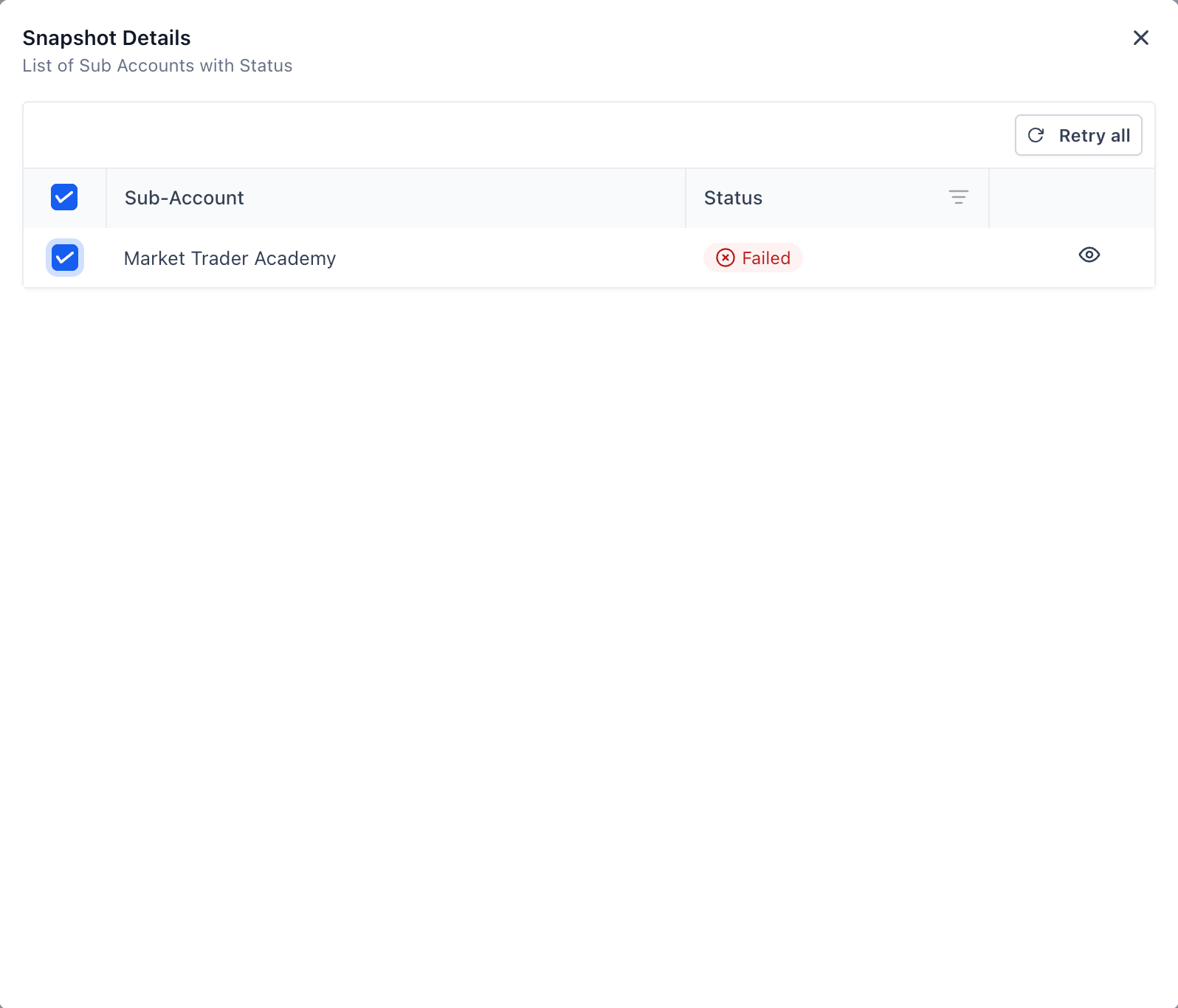
- Retry Failed Pushes directly from the View History page
- Retry All failed accounts in a batch with a single click
- Selective Retry — choose specific accounts to retry instead of the entire batch
- Live Progress Tracking for retries on the same page

Important Constraints
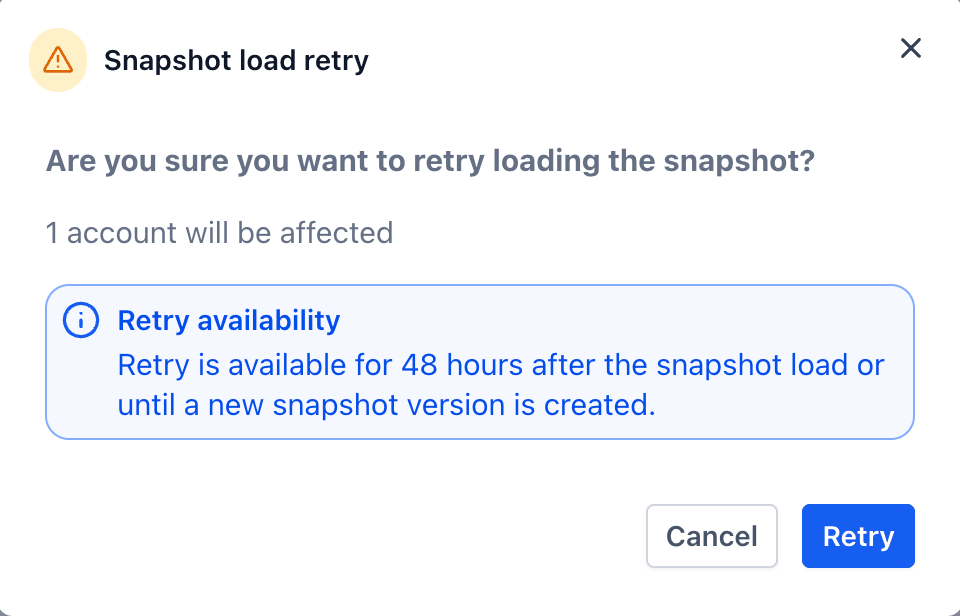
Retries are intentionally limited to keep your data accurate:
- 48-Hour Retry Window: Pushes older than 48 hours can’t be retried
- Snapshot Version Lock: If the snapshot has been refreshed or updated since the original push, retries are disabled. A new push is required to use the latest snapshot version
Why This Matters
- Faster Recovery from failed pushes
- Fewer Steps & Less Rework — no need to recreate pushes
- Cleaner History — all retries stay tied to the original push
Try It Out
Head to
Snapshot → Push History
and use the new retry actions on failed pushes.What’s Coming Next
We’re working on asset-level retries, which will let you:
- Inspect failures inside an account
- Retry only specific assets (e.g. workflows, forms) instead of the entire account
Was this article helpful?
That’s Great!
Thank you for your feedback
Sorry! We couldn't be helpful
Thank you for your feedback
Feedback sent
We appreciate your effort and will try to fix the article