Tasks V2: Your Smartest Way to Get Things Done. A faster, repeatable, team-ready task manager reimagined on mobile app.
Tasks V2 is a ground-up upgrade with the features you've been waiting for: recurring tasks, opportunity links, multiple contacts, board view, and a cleaner, smarter interface. It's everything the old Tasks couldn't do, designed to keep you and your team moving.
The Challenge
Your day is a stream of follow-ups, and the old Tasks made you work too hard. No way to repeat a task. Only one contact, and no link to a deal. One long list with no structure, and you had to open every task just to see who it was for. Important work blended together and slipped.
Our Solution
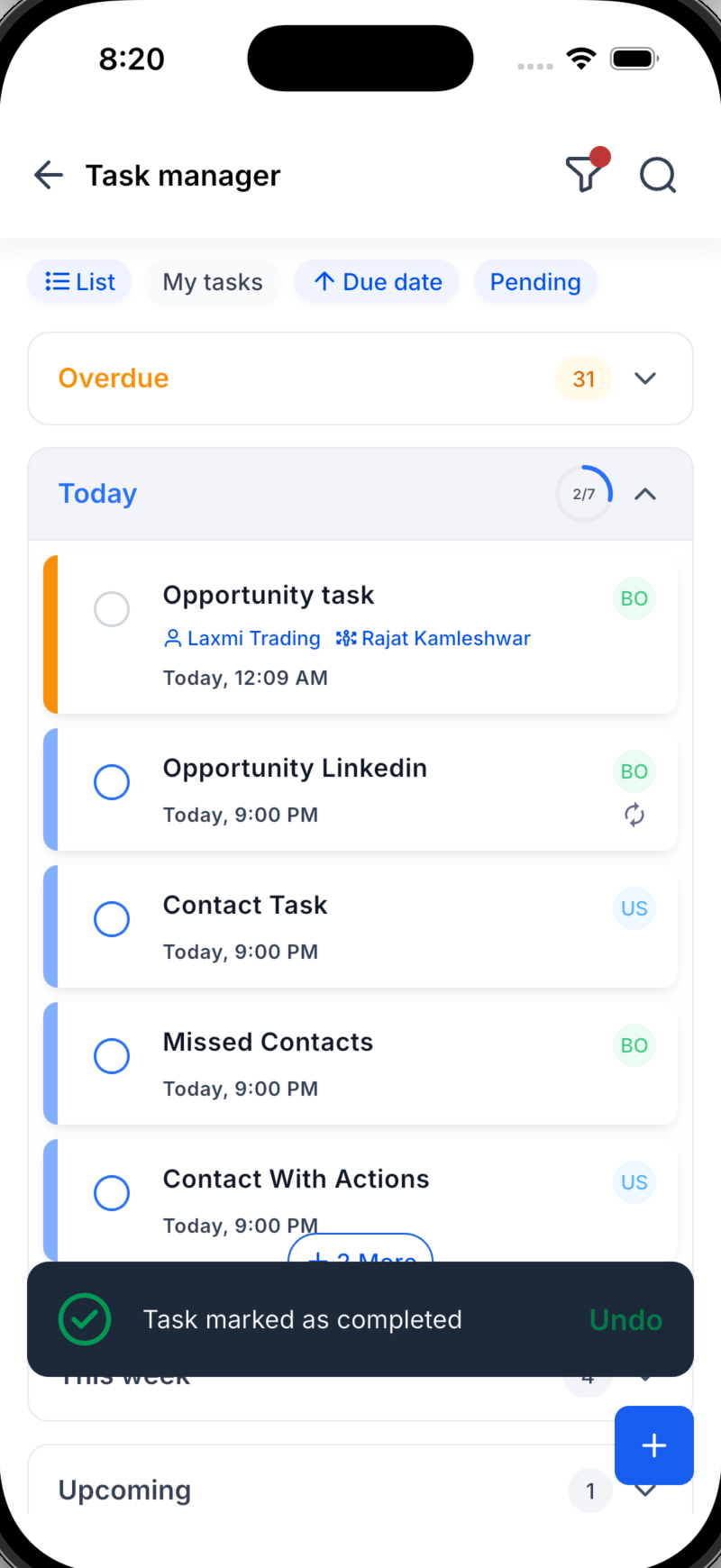
Tasks V2 fixes all of that. Set a task to repeat on your schedule, link it to contacts and an opportunity, and see everything you need right on the task card with no tapping required. Switch between List and Board, watch your day organize itself into clear sections, and track your progress as you go.
What's New in Tasks V2
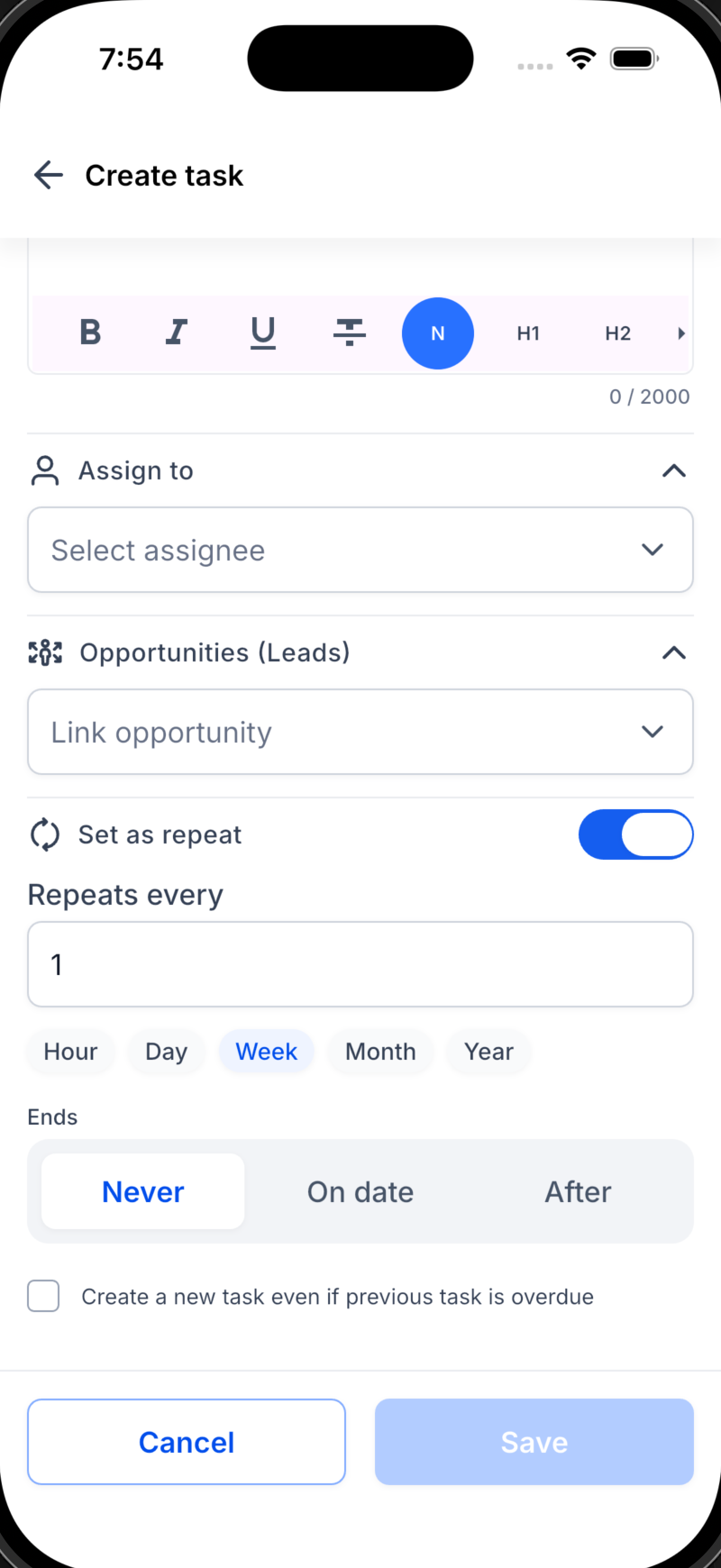
- Recurring Tasks (New!): Set a task to repeat hourly, daily, weekly, or monthly and end it on a date or after a set number of times. Routine follow-ups now run themselves.
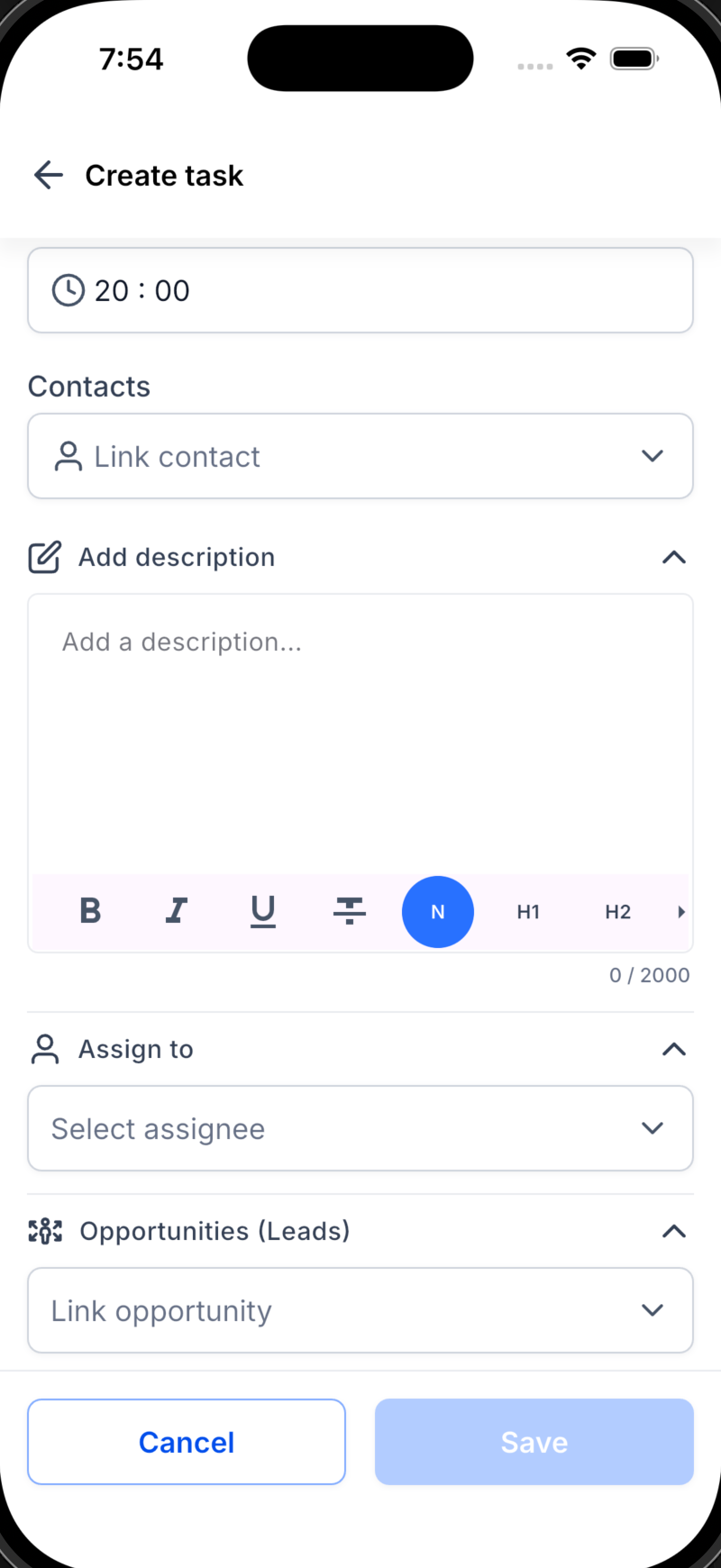
- Link to Opportunities (New!): Connect a task to a deal, not just a contact, so every follow-up ties back to the revenue it drives.
- Multiple Contacts (New!): Attach several contacts to a single task, no more duplicates.
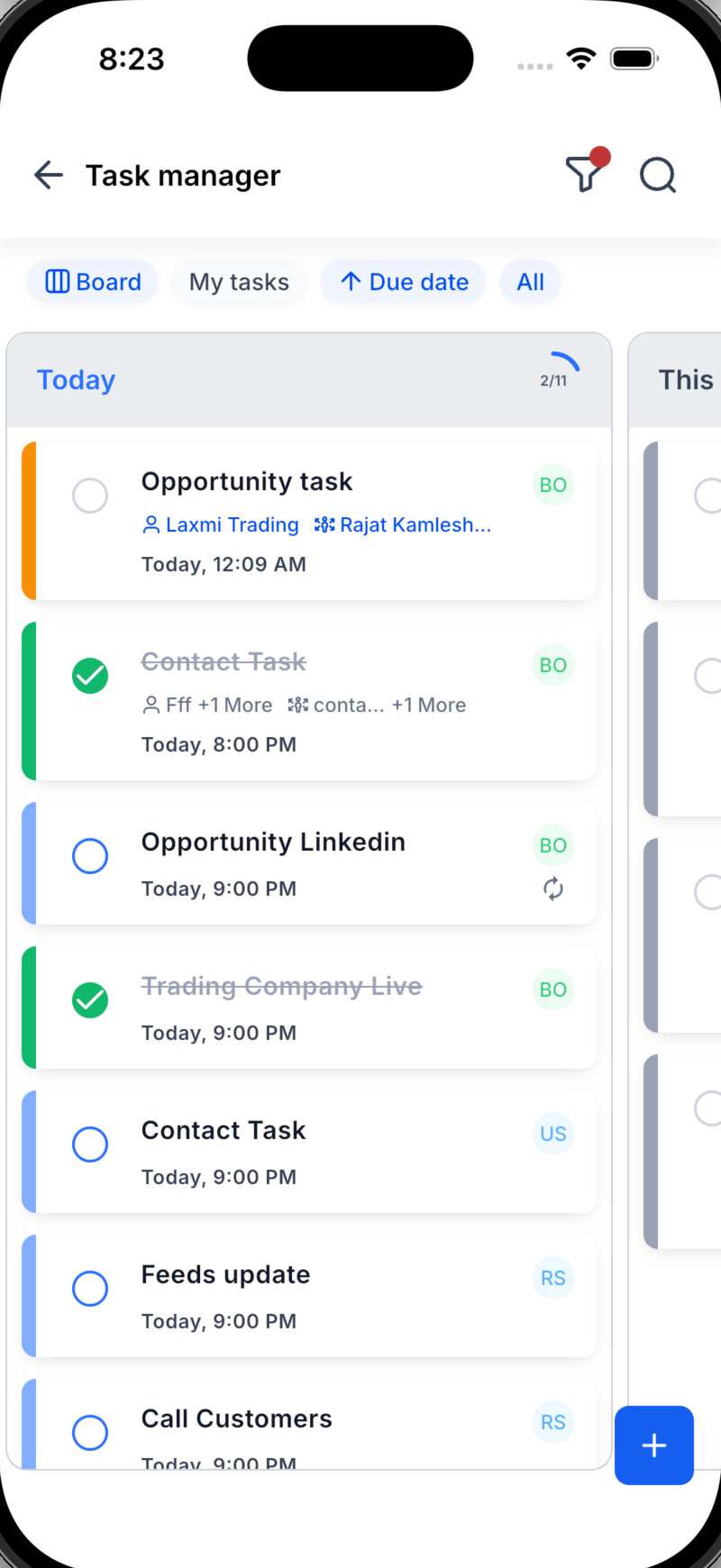
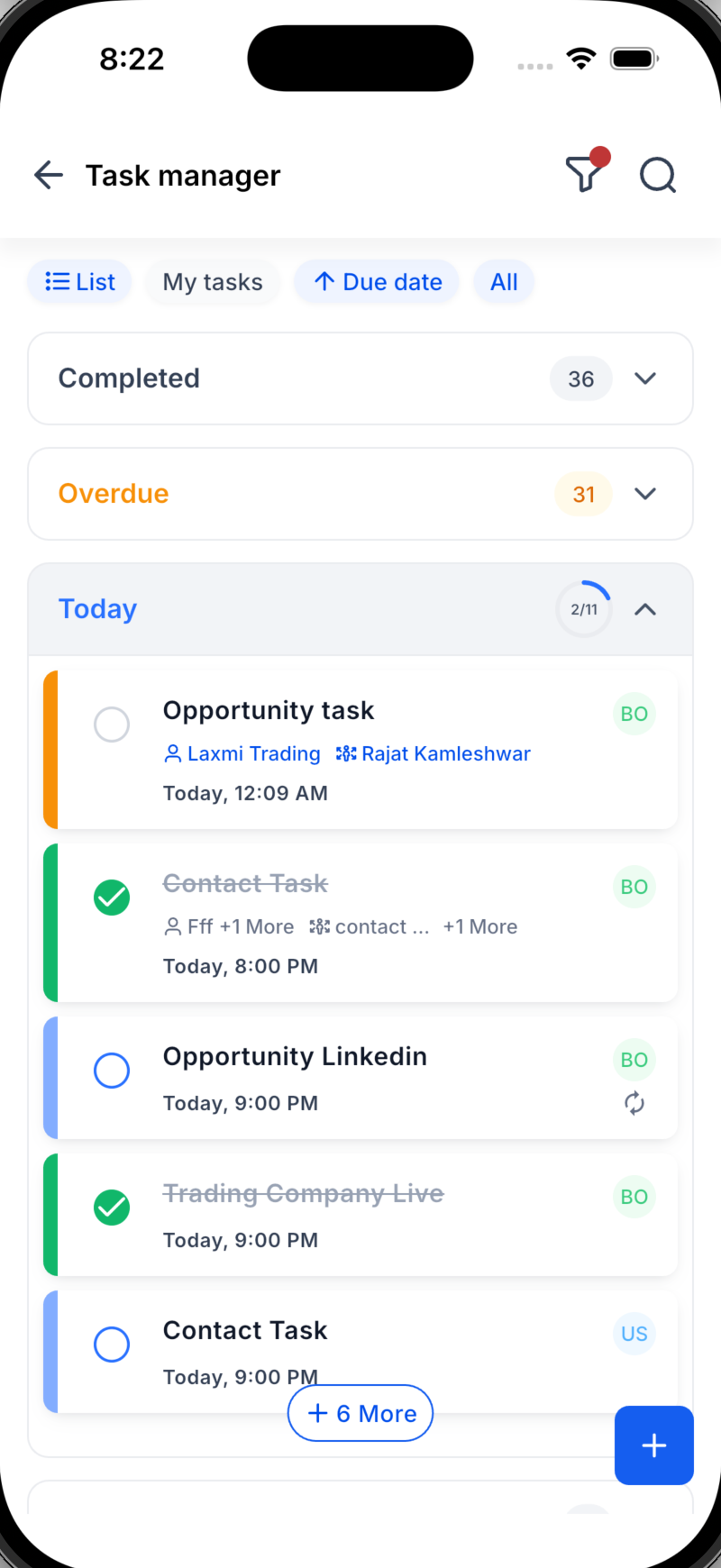
- List & Board Views (New!): See your tasks as a simple list or a visual board whatever fits how you work.
- Today's Progress Ring (New!): Watch a progress ring fill as you complete today's tasks instantly.
Motivation, at a glance.
- Organized Sections (New!): Tasks auto-group into Overdue, Today, This Week, and Upcoming, in both List and Board views so nothing hides at the bottom of a list.
- See More Without Tapping (New!): The task card now shows the linked contact and opportunity right on the tile, no need to open the task.
- A Fresh, Faster Experience: A cleaner, more intuitive UI/UX across the board makes creating, finding, and finishing tasks effortless.
How to Get Started
Navigate: Open the Tasks tab.
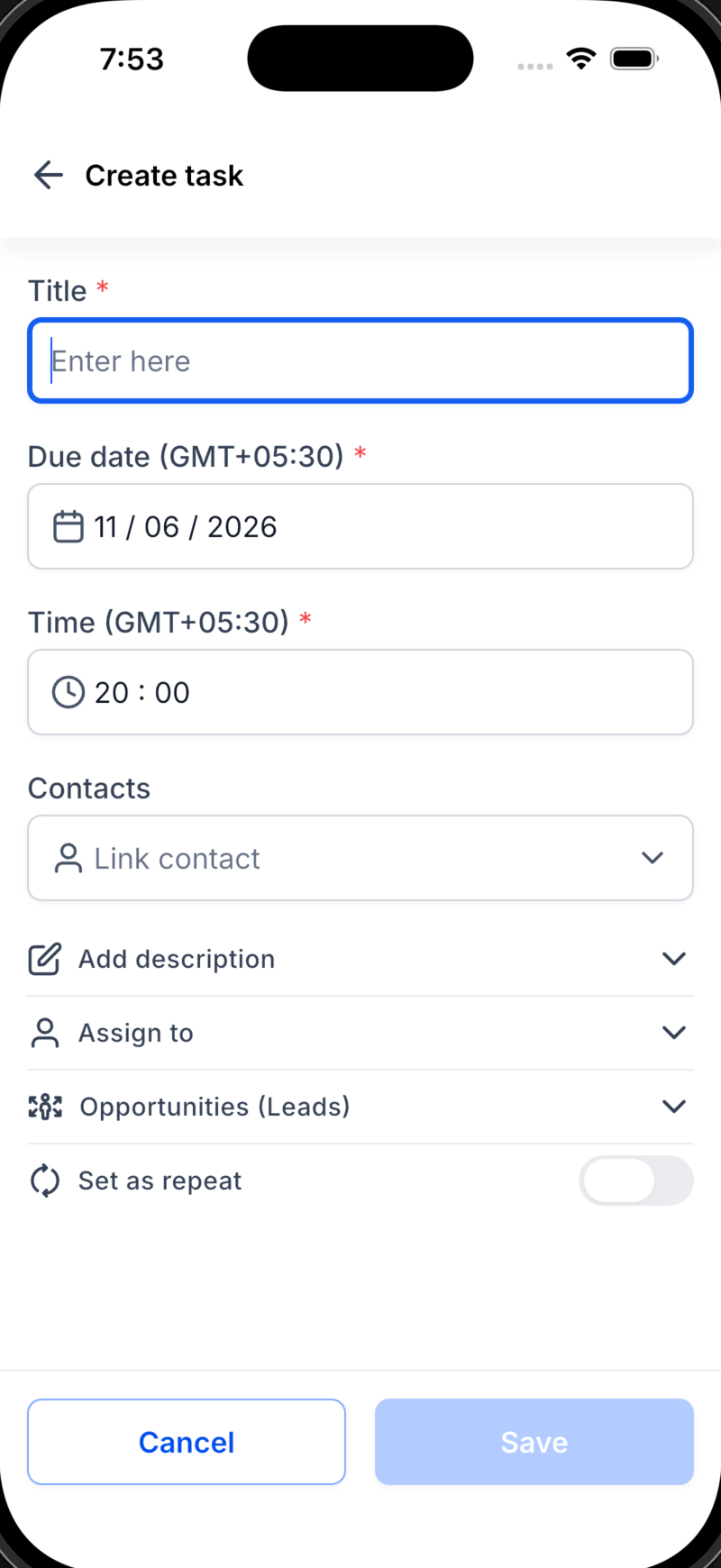
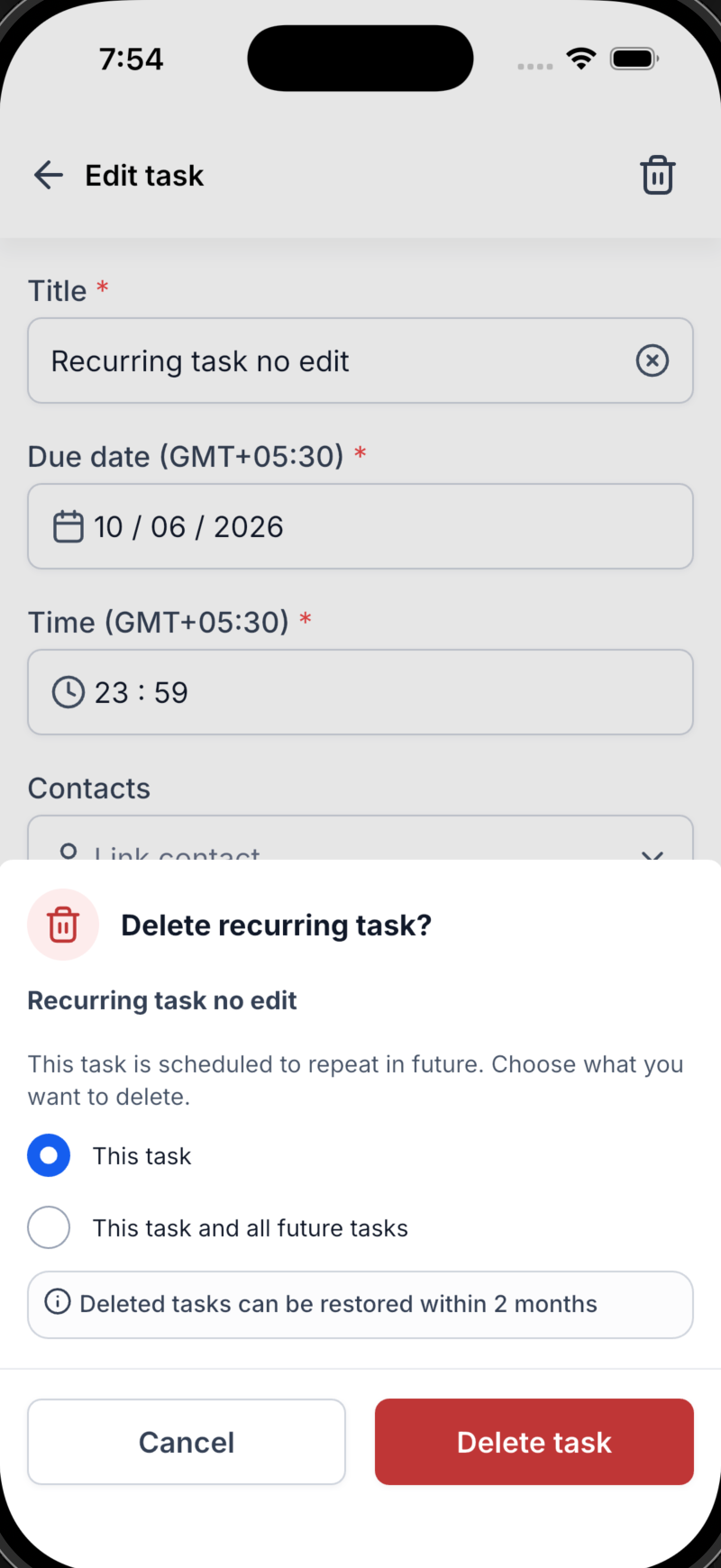
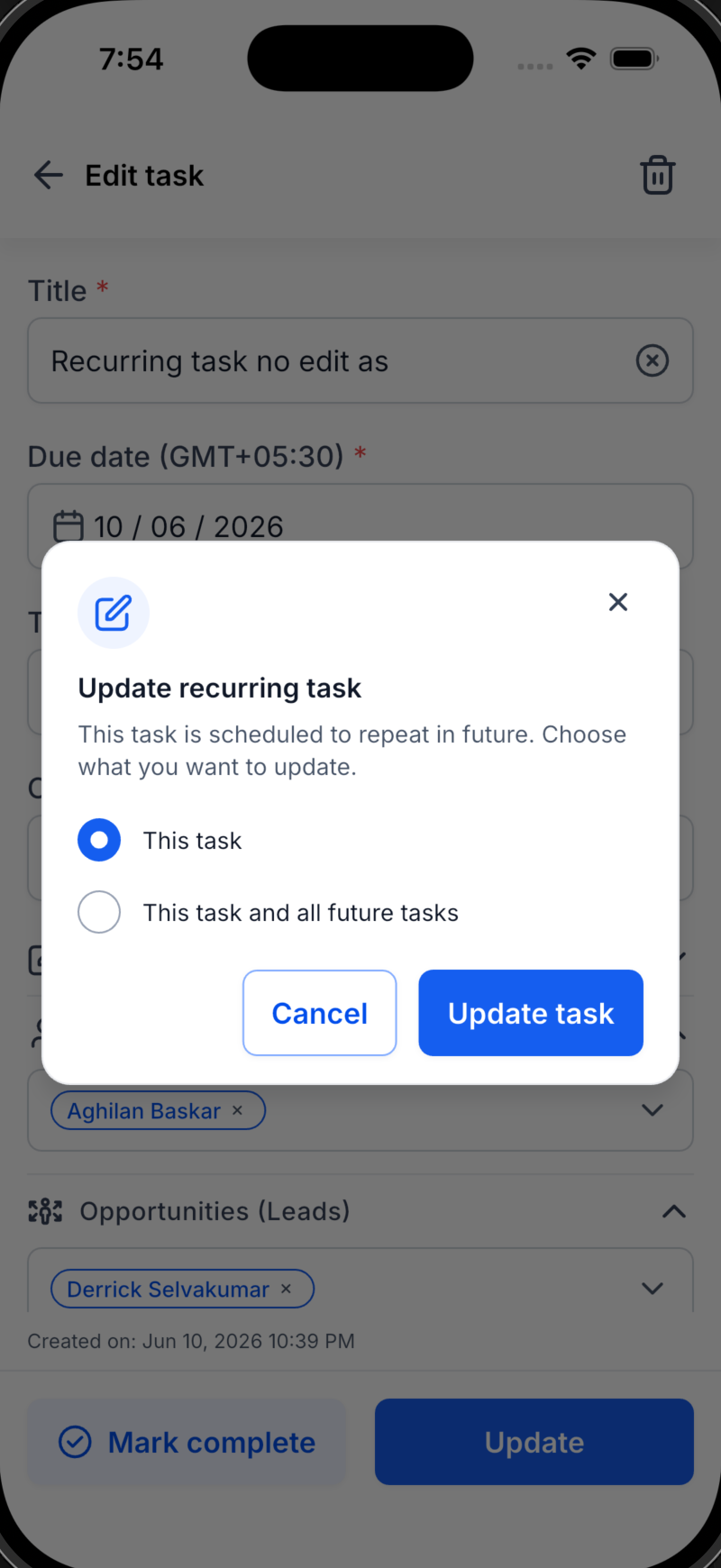
(Screenshot 1 placeholder)Create: Tap +, add your title, due date, contact(s), and opportunity, assign a teammate, then turn on Repeat to make it recurring.
(Screenshot 2 placeholder)Work Your Way: Switch between List and Board, follow your sections from Overdue to Upcoming, and watch today's progress ring fill up.
(Screenshot 3 placeholder)
What's Next?
Dynamic Task widget on the homepage — a dynamic task widget on the homepage for at-a-glance visibility into your current and pending tasks.
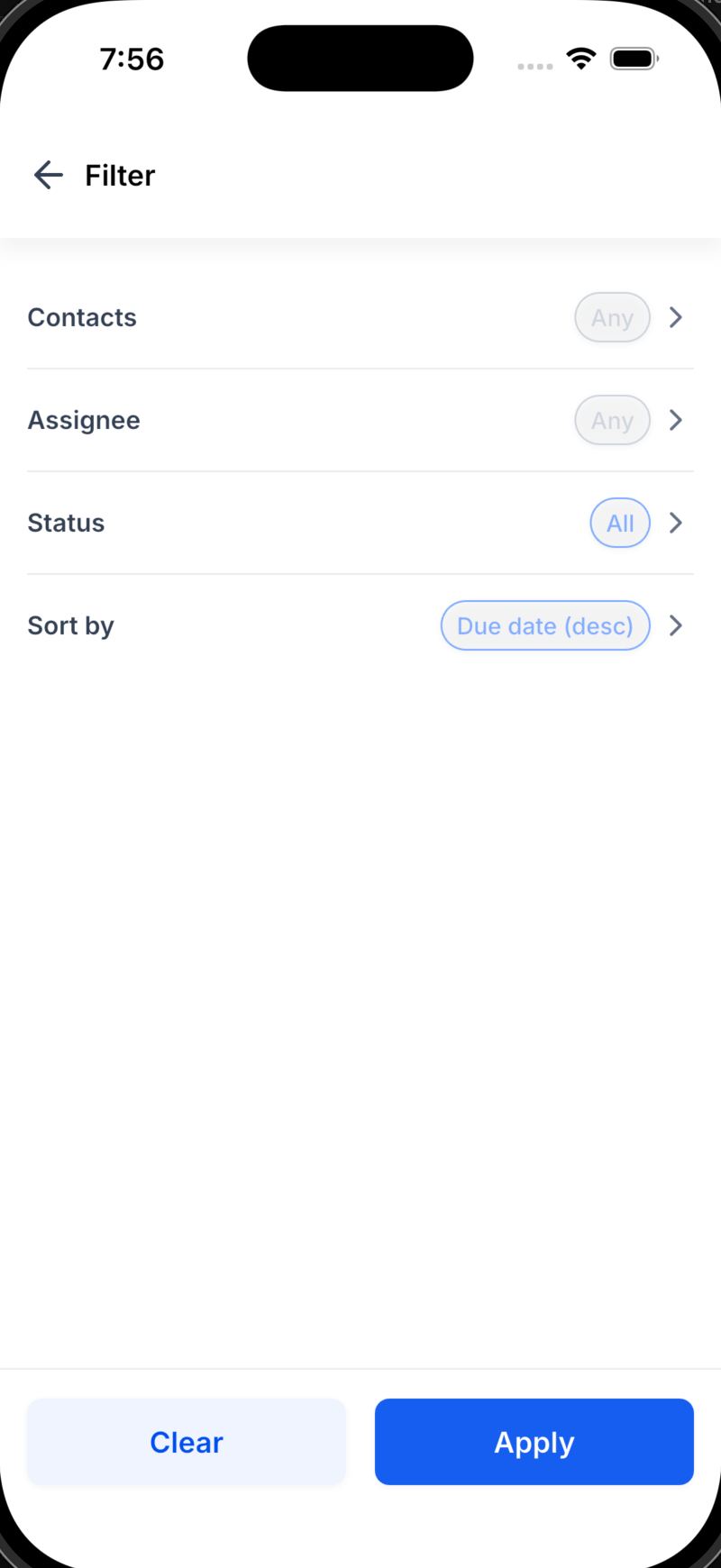
Expect richer recurring options, more ways to filter and group, and even deeper links between tasks, contacts, and opportunities. Tell us what would make your workflow effortless.
Was this article helpful?
That’s Great!
Thank you for your feedback
Sorry! We couldn't be helpful
Thank you for your feedback
Feedback sent
We appreciate your effort and will try to fix the article